Cruncher 2011

Although video games have become quite popular throughout the country, game development hasn’t come into mainstream in Sri Lanka. At least yet.

Cruncher 2011 aims to fill that gap by bringing in the creative and talented game programmers to light. Organized by the Young Members’ Section (YMS) of the Institute of Engineers of Sri Lanka (IESL), Cruncher 2011 is a game development competition that is open to all. The theme of the event is “Make Games, Make Global”, depicting its goal to pave way to the creative game developers to go global.

The competitors have the freedom to choose the type of game they want to develop, be it flash-based, non-flash 2D or 3D or storyboard. They can participate in the relevant subdivision: school, undergraduate or open. While the competitors will be awarded with attractive monetary prizes, they will also have the chance to participate in workshops with leading personalities from industry.

For more information, visit the competition’s website at http://cruncher.lk. Also join the Cruncher 2011 Facebook fan page to keep yourself updated.

Unity 2D

It was a bumpy ride. Unity, Gnome 2, LXDE and KDE. I tried almost all the popular environments (except XFCE, of which I had heard a lot of bad things).

KDE is perhaps the most attractive of these, but, sadly, it’s too heavy for a netbook. LXDE is light-weight indeed, but I had trouble running several applications with it. For example I couldn’t get gPodder to work no matter how hard I tried, and ibus was buggy.

I was going to test run Gnome 3 but @kau_mad said otherwise, so gave up. Which left me with two options: Unity and Gnome 2.

Unity was originally intended for netbooks. (This was the default environment in Ubuntu Netbook Remix, remember?) Stuff like global menu bars were made with small screens in mind. Unity works, but I found it a bit too sluggish. The solution? Unity-2D.

Unity-2D is a clone of Unity intended for low power computers like netbooks. While Unity has been written with GTK, Unity-2D uses the QT toolkit. It doesn’t require GPU acceleration , something which netbooks and other low-end machines can’t provide.

To install Unity-2D in Ubuntu 11.04, all you have to do is to install the package “unity-2d-default-settings” from the Software Center. Log out and choose Unity-2D as the desktop environment. The interface is quite similar to Unity, but it may not be as slick as Unity is. For example you won’t get those lovely fading effects. However it’s able to provide you with the maximum possible Unity experience.


The Kewl desktop environment – KDE

So I wanted to get some first hand experience on KDE. To install KDE in Ubuntu what you need is to install the kde-desktop (or  kde-netbook in my case) package from the repos. Once installed, log out and choose KDE before logging in.

KDE is the sex! There’s absolutely nothing so beautiful like it! Due to the restrictions in my netbook most of the effects won’t work for me, but still it looks marvelous. Sad to find that it’s being underrated in the FOSS world.

KDE desktop in my netbook

KDE’s however not so sweet with resources. The environment is heavy, perhaps even heavier than gnome. But I can’t make up my mind to leave it and go back to LXDE. The performance loss is quite worth the sacrifice, if you ask me.

Going Grayscale

It is said that using black and white (grayscale, in fact) screens help you focus and makes learning stuff easy. Today I suddenly had the urge to make my desktop go grayscale. Some googling led me to a piece of software called Grayscale Desktop (this is a Windows app). There’s no need to install, just double click on the Grayscale_fullscreen.exe, and there you go! To close the app you have to manually delete the process from the Task Manager.

P.S. The app eats CPU power a lot. At least that’s the case with my netbook. It’s good as long as what you’re doing is reading some book or browsing the web etc.

Moving to Lubuntu

The restrictions in my netbook made me convert my Ubuntu install into a Lubuntu. For this, you don’t need to manually download Lubuntu and install. All you need is to install Ubuntu first and run the command in this Psychocats page titled ‘Remove Ubuntu’.

And, voila, you get a pure LXDE desktop!lubuntu desktop

It may not look as pleasing as classic Gnome or Unity, but it’s quite usable and has a memory footprint as low as 100MB. PCManFM replaces Nautilus as the file manager. The window manager becomes Openbox.

The main problem I had to deal with was connecting to internet using my USB modem. The solution was to install the script they give in www.sakis3g.org. It automatically recognized my Dialog broadband connection. I

There is no Software Center in Lubuntu, only the Synaptic Package Manager. If you want you can search and install software-center from the Synaptic Manager.

 WARNING: When you install lubuntu-desktop with the above method, most of the apps that come bundled with Ubuntu are uninstalled. eg: LibreOffice is completely removed and AbiWord is installed instead.

Life with the Dell Mini

So my HP Pavilion finally died after 3 1/2 years of faithful service. The VGA was gone, which means the motherboard will have to be replaced. The display was having some issues too.

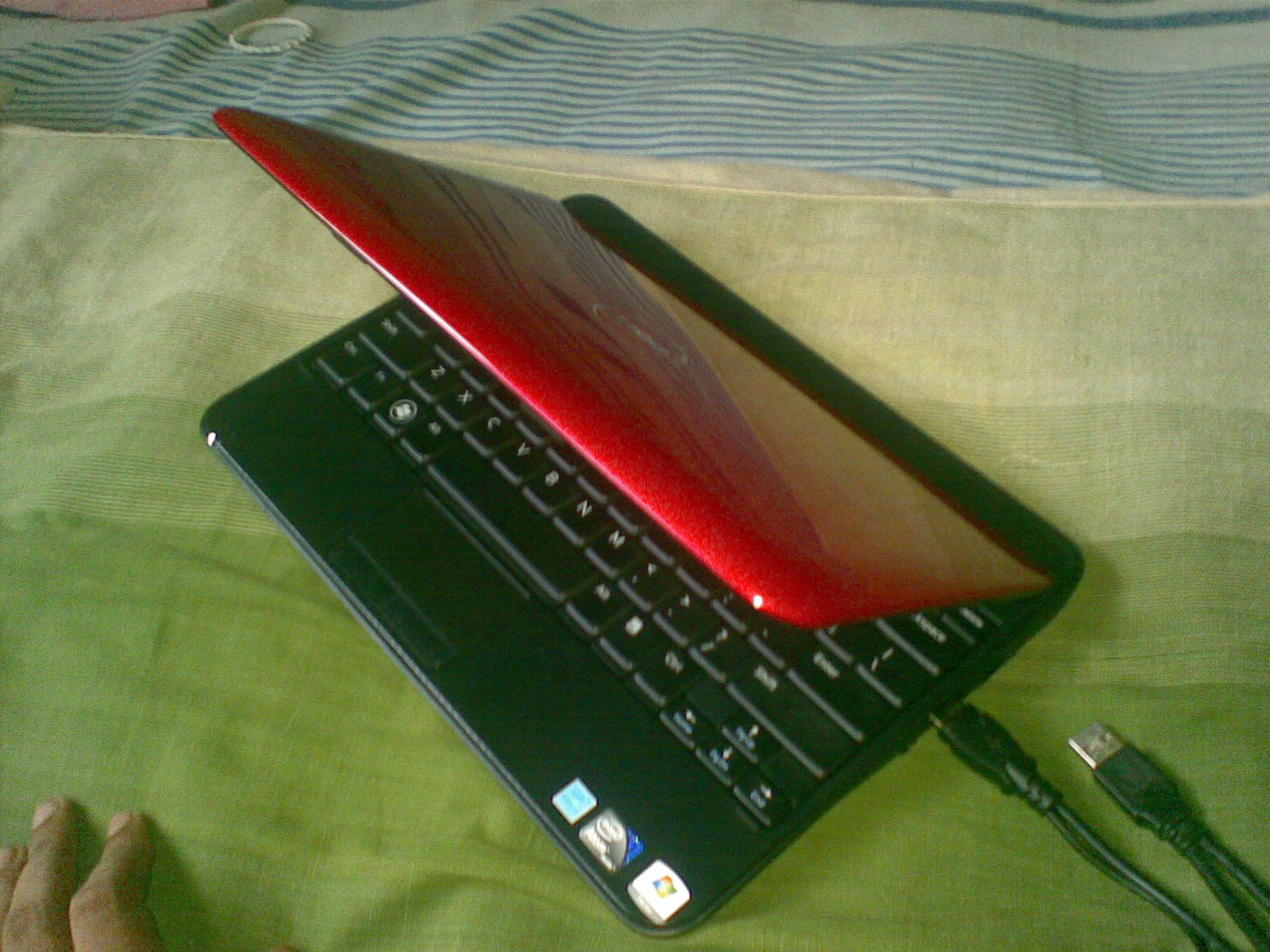
Enter the Dell Inspiron Mini. The small whiz.

Why a netbook? Cost factor and ease of transport. The machine cost Rs 40k after upgrading to a 2GB RAM.

The battery life is pretty good. Can stay up to 4 hours connected to the internet.

The main issue of a netbook is the small screen. The maximum possible resolution is 1024×600, which is very low indeed. You may come across a software now and then which would tenaciously ask for higher resolutions. But can live with that.

The speed is considerably low too. The processor’s a standard Intel Atom 1.67GHz chip. One has to learn to live with that.

The system came pre-installed with a Windows Starter and I’m fine with it so far. Installed Ubuntu too, but I’m looking forward to installing a lighter variant. Crunchbang perhaps. I don’t know.

I don't need an android

Nokia E63So I decided, I really don’t need an android. My symbian is able to provide me with almost all the stuff I would want from a phone. With it I can read books, listen to music and podcasts, scrobble to last.fm, set alarms, tweet, check email and browse the web occasionally, look up for definitions, take notes, and finally, call and text. At the moment there really is no other reason why I should look for a better phone. Why would I pay huge sums just to have several more apps and play Angry Birds? So, until the day I get a job and collect enough cash to buy an HTC Desire, my sweet little E63 will stay by my side.

Linux to Windows transition

So I had to install Xilinx 13.1 for our final year project and only the Windows version was available. Which means I had to install Windows 7 in the laptop alongside Ubuntu.

Oh, the woes in Windows. As I’ve mentioned in a previous post, you get totally bewildered and frustrated in this proprietary operating system.

First, there’s no Compiz. The desktop and windows look pretty ugly. Thanks  to aero the ugliness is reduced a bit.

Then there are no multiple workspaces. Can you just imagine? Having to work in a single desktop?! But thankfully there’s a solution available, albeit a less-than-perfect answer to the problem. You can install this little piece of software and it will give you something similar to multiple desktops. Not as good or native as in linux anyway.

And the next problem was the lack of double-finger scrolling. Again a small software comes to the rescue. Still it’s less-than-perfect.

Viruses? Yes, you have to be wary of those creatures in this less secure operating system. Installed Microsoft Security Essentials just in case.

I hold no grudge against Windows. I’ve used it since the 95 version and I won’t hesitate to say it’s a good operating system. It’s just that you don’t get the good feel or ease you get in linux. Hope they learn from peers like linux and OS X and improve the OS in the upcoming versions at least.

Higher education abroad?

No, thanks. If I had any idea of doing an MSc or a PhD after this degree, it’s gone now. All that’s on my mind now is to finish the degree ASAP and to get into some employment.

That being said, I know that there are many Sri Lankan undergrads who’d love to have their higher education abroad at a reputed college or university. The main barrier for these students is the lack of information and contacts to pursue those goals. Applying to a foreign university is a process totally different from and more difficult than applying to a local one.

But thanks to a team of Sri Lankan graduate students who are now pursuing their higher education abroad, that barrier has been made negligible. SL2College, the programme they’ve launched, aims at “bridging the gap in higher education” for those Sri Lankan undergraduates interested in studying further.

Yoshani, a core member of the SL2College programme, says,

SL2College is a global Sri Lankan network of mostly graduate students who volunteer to help Sri Lankan students reach their higher education goals. We providing information about opportunities available locally and in universities overseas. There are various activities at SL2College such as mentoring students, having skype sessions to talk to students directly, educational exhibitions, research collaborations, etc. At SL2College we believe that every student has the potential to succeed and we are determined to help them out!

Further information can be found here and in their website. If you have any colleagues or friends willing to pursue higher education, please pass the message.

Evernote and me

I use Evernote a lot. Coz you think of anything and you can use Evernote for that.
First it was for saving the usernames and passwords of the khazillion of sites I’ve registered in. Another note was made to save the important bank account numbers, registration numbers and the like. Yet another note holds the serial keys of stuff I’ve purchased.
Then I got used to saving quotes and other important notes in Evernote. This is made easy by the Web Clipper extensions available in Chrome and Firefox. You can grab any part of the page, even with pictures, and instantly save in a note in Evernote.
Since recently I started saving various measurements I take in notes. For example it hold notes for my shoe size, shirt size and so forth. Saved me from a lot of hassle. You can also take notes about what you loan to others, etc. If you own an iPhone or an Android life becomes much more easy coz you can capture images and instantly send them to Evernote. And tagging the notes can keep everything organized.

P.S. And here’s 100 random things you can do with Evernote: http://www.andrewcmaxwell.com/2009/11/100-different-evernote-uses/